
How we compared all 6 Android multi-account options
Every option below has real strengths depending on how many accounts you juggle. We looked closely at maximum copies per app, background battery control, icon clarity, ads, privacy permissions, and total cost over a year.
Battery & privacy make the biggest difference after week 1
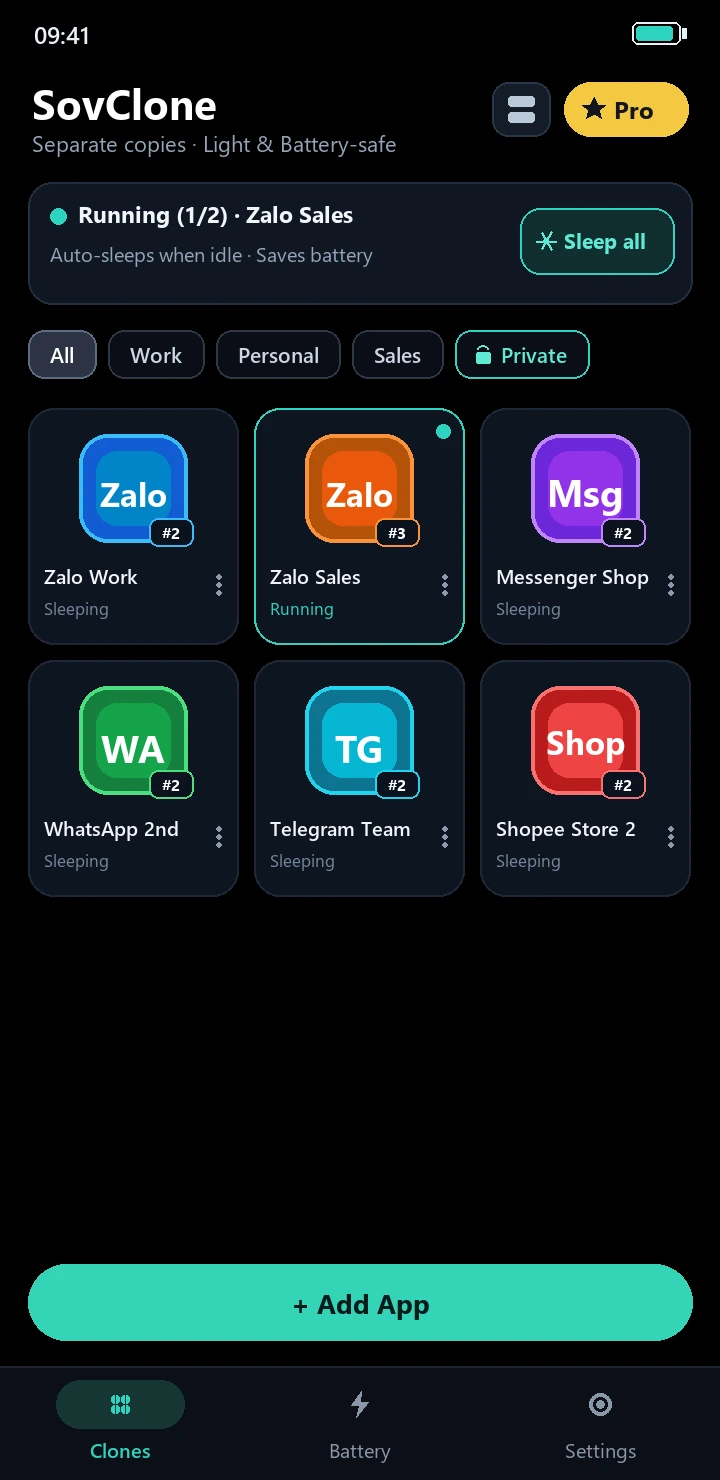
Most cloners look fine during the first 10 minutes — the real difference appears after a week of daily use when background copies start draining battery or when you can't tell two identical app icons apart.
Side-by-Side Comparison (2026)
| App / Method | Size | Pricing | Strengths | Trade-offs |
|---|---|---|---|---|
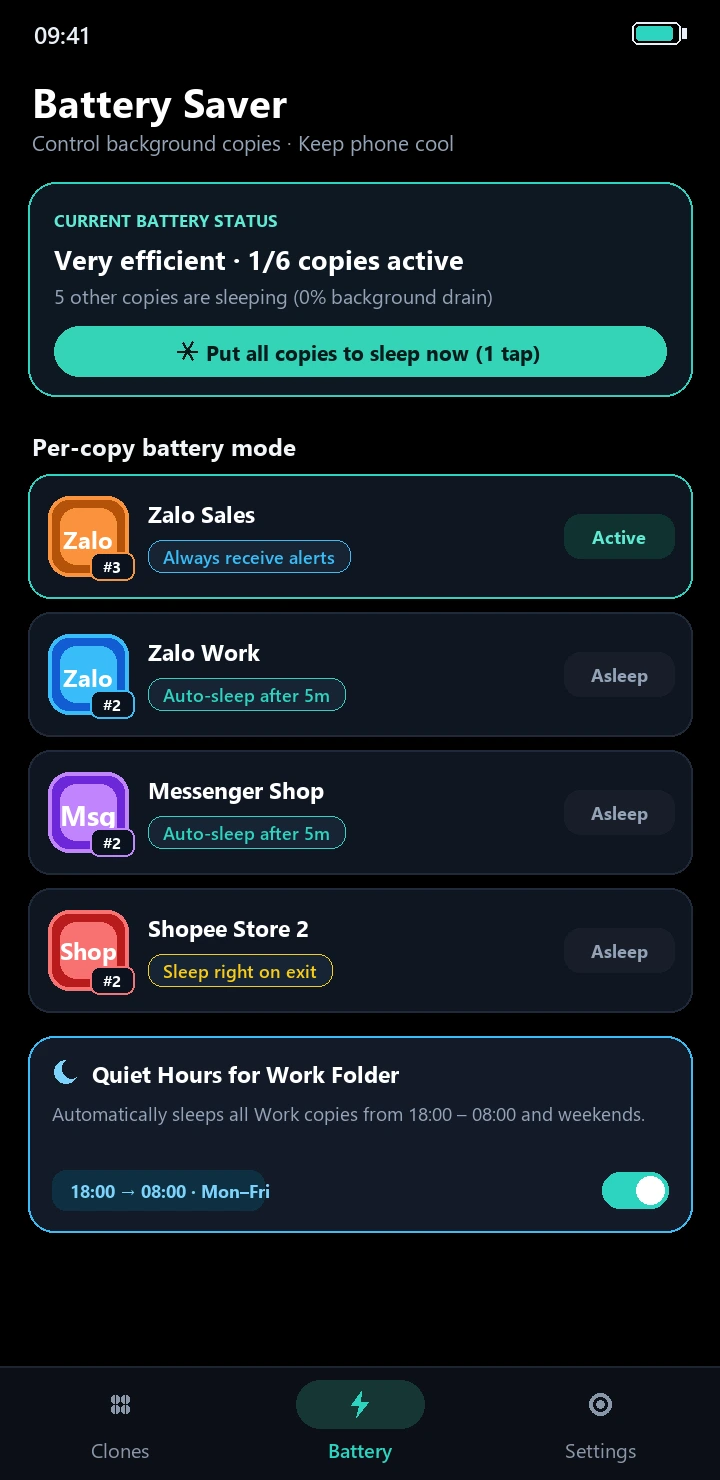
| SovClone (Horizon App) Android 8.0+ | Lightweight | 5 Copies Free · $4.99/yr (7-day trial) or $12.99 Lifetime | 5 free copies, batch create 1–5, 6 color frames + custom photos, 1-tap direct Home shortcuts, Auto-Sleep & Work Quiet Hours, Private PIN/Fingerprint lock, clean minimal permissions, EN/VI bilingual. | Android only; banking & government ID apps should still use original apps. |
| Samsung Dual Messenger Samsung Galaxy (Built-in) | Built into OS | Free (Built-in) | Native OS stability, zero ads, instant setup inside Samsung Settings. | Strictly capped at 2 accounts total and limited to a small whitelist of messaging apps; no Private Lock or batch cloning. |
| Xiaomi Dual Apps Xiaomi / Redmi / POCO | Built into OS | Free (Built-in) | Built into MIUI/HyperOS, supports more apps than Samsung Dual Messenger. | Still capped at 1 clone per app (max 2 accounts total); unavailable on other phone brands. |
| Android Work Profile (Shelter / Island) Android (FOSS) | ~4–6 MB | Free & Open Source | System-level isolation, great freeze support, zero ads. | Strictly 1 extra copy per app (cannot run 3–5 copies of Zalo), steeper setup, conflicts with corporate MDM Work Profiles. |
| CloneBox (PTN Studio) Android | Medium | Free + Pro Subscription / Lifetime | Clean modern UI, supports renaming, custom icons, shortcuts, and Private lock. | Fewer battery-sleep automation controls (no per-app 3-mode sleep or Work Quiet Hours schedule). |
| Parallel Space Android | Heavy + 64-bit plugins | Free (Heavy Ads) · VIP Subscription | Long track record and wide compatibility across older Android versions. | Frequent full-screen ads in the free tier, requires extra helper plugins, higher background RAM & battery footprint. |
Frequently Asked Questions
Which option is best if I already use Samsung Dual Messenger for 2 accounts and need a 3rd or 4th?
Keep your existing 2 accounts right where they are and add SovClone for accounts #3, #4, #5 and beyond — with distinct color frames and Auto-Sleep so your phone stays cool.